캔버스 만들기
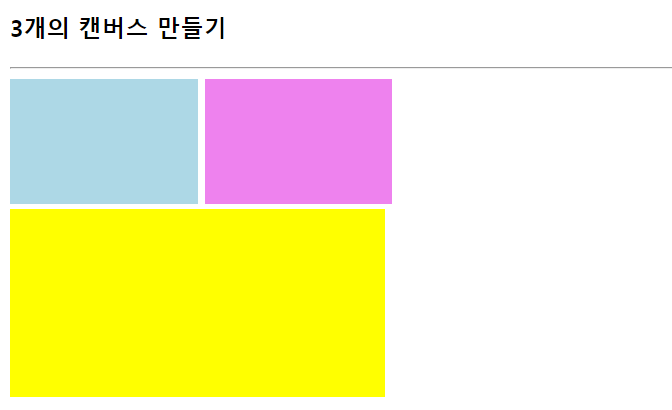
<!DOCTYPE html>
<html lang="en">
<head>
    <meta charset="UTF-8">
    <meta name="viewport" content="width=device-width, initial-scale=1.0">
    <title>캔버스 만들기</title>
</head>
<body>
    <h3>3개의 캔버스 만들기</h3>
    <hr>
    <canvas id ="canvas1" width="150" height="100" style="background-color:lightblue;">
    </canvas>

    <canvas id ="canvas2" width="150" height="100" style="background-color:violet;">
    </canvas>
    <br>
    <canvas id ="canvas3" width="300" height="150" style="background-color:yellow;">
    </canvas>
</body>
</html>
캔버스 안에 도형 그리기
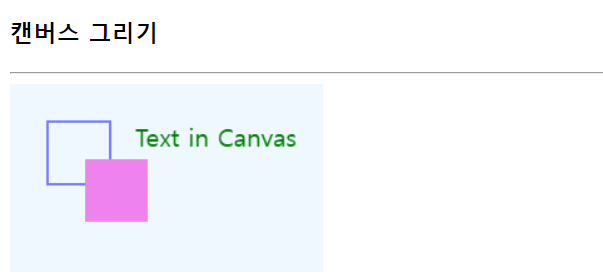
<!DOCTYPE html>
<html lang="en">
<head>
    <meta charset="UTF-8">
    <meta name="viewport" content="width=device-width, initial-scale=1.0">
    <title>캔버스 그리기 맛보기</title>
</head>
<body>
    <h3>캔버스 그리기</h3>
    <hr>
    <canvas id="myCanvas" width="250" height="150" style="background-color: aliceblue;">
    </canvas>

    <script>
        let cvs = document.getElementById("myCanvas");
        let cntxt = cvs.getContext("2d");

        //파란선으로 사각형 그리기
        cntxt.beginPath();
        cntxt.strokeStyle = "blue";
        cntxt.rect(30,30,50,50);
        cntxt.stroke();

        //violet색으로 채운 사각형 그리기
        cntxt.beginPath();
        cntxt.fillStyle = "violet";
        cntxt.rect(60,60,50,50);
        cntxt.fill();

        //green선으로 텍스트 내부만 그리기
        cntxt.font ="20px Gothic";
        cntxt.fillStyle = "green";
        cntxt.fillText("Text in Canvas",100,50);
    </script>

    <!--
    도형 그리는 과정
    경로(path) 만들기 = beginpath()
    캔버스에 경로에 담긴 도형 모두 그리기
    경로(path) 만들기
    그리고자 하는 도형들을 컨텍스트 내  경로에 담는 과정
    캔버스에 도형 그리는 순서
    beginPath() - 새로운 빈 경로 만들기
    moveTo(), lineTo(), rect(), arc() - 경로에 도형 담기
    stroke() – 경로 속의 도형을 캔버스에 그리기
    -->

</body>
</html>
원호 그리기
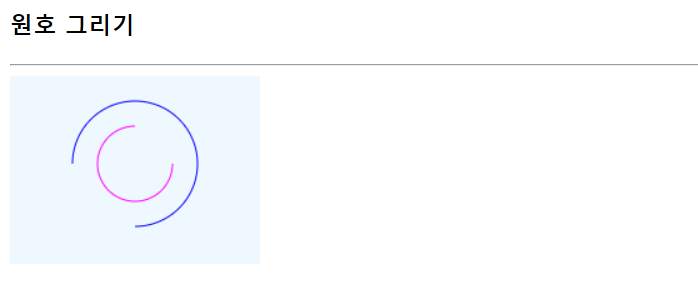
<!DOCTYPE html>
<html lang="en">
<head>
    <meta charset="UTF-8">
    <meta name="viewport" content="width=device-width, initial-scale=1.0">
    <title>원호 그리기</title>
</head>
<body>
    <h3>원호 그리기</h3>
    <hr>
    <canvas id="myCanvas" style="background-color: aliceblue;" width="200" height="150"></canvas>
    <script>
        let canvas = document.getElementById("myCanvas");
        let context = canvas.getContext("2d");

        context.beginPath();
        context.strokeStyle ="magenta";
        context.arc(100,70,30,0,1.5*Math.PI, false);
        context.stroke();

        context.beginPath();
        context.strokeStyle ="blue";
        context.arc(100,70,50,Math.PI/2,Math.PI, true);
        context.stroke();

    </script>
</body>
</html>
선으로 삼각형 그리기
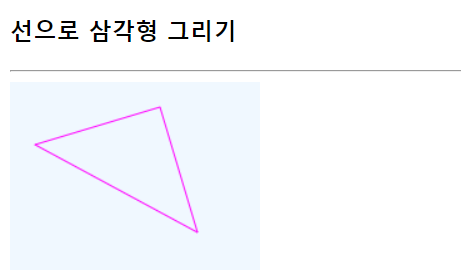
<!DOCTYPE html>
<html lang="en">
<head>
    <meta charset="UTF-8">
    <meta name="viewport" content="width=device-width, initial-scale=1.0">
    <title>선으로 삼각형 그리기</title>
</head>
<body>
    <h3>선으로 삼각형 그리기</h3>
    <hr>
    <canvas id="myCanvas" style="background-color: aliceblue; "width="200" height="150"></canvas>
    <script>
        let canvas = document.getElementById("myCanvas");
        let context = canvas.getContext("2d");

        context.beginPath(); //그리기 시작
        context.moveTo(120,20);
        context.lineTo(20,50);
        context.lineTo(150,120);
        //context.lineTo(120,20); 끝나는 점 = context.closePath();
        context.closePath(); //그리기 끝
        context.strokeStyle = "magenta";
        context.stroke();
    </script>

</body>
</html>
사각형 그리기
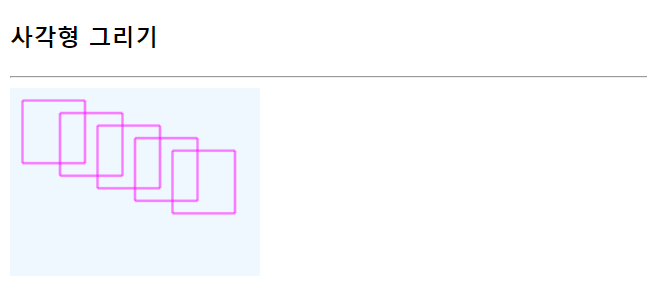
<!DOCTYPE html>
<html lang="en">
<head>
    <meta charset="UTF-8">
    <meta name="viewport" content="width=device-width, initial-scale=1.0">
    <title>사각형 그리기</title>
</head>
<body>
    <h3>사각형 그리기</h3>
    <hr>
    <canvas id="myCanvas" style="background-color: aliceblue;"width="200" height="150"></canvas>
    <script>
        let canvas = document.getElementById("myCanvas");
        let context = canvas.getContext("2d");

        context.beginPath();
        for(let i=0; i<5; i++){
            context.rect(10+i*30, 10+i*10, 50, 50);
        }
        context.strokeStyle = "magenta";
        context.stroke();
    </script>
</body>
</html>
선의 색과 굵기 활용하기
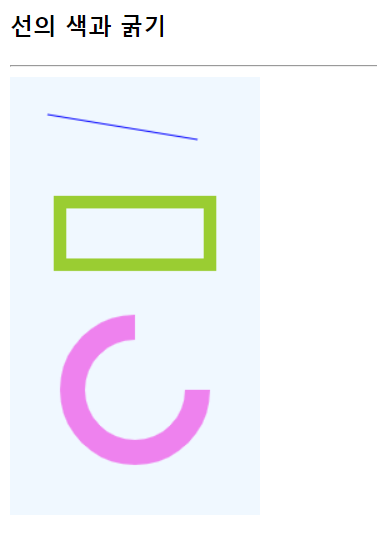
<!DOCTYPE html>
<html lang="en">
<head>
    <meta charset="UTF-8">
    <meta name="viewport" content="width=device-width, initial-scale=1.0">
    <title>선의 색과 굵기</title>
</head>
<body>
    <h3>선의 색과 굵기</h3>
    <hr>
    <canvas id="myCanvas" style="background-color: aliceblue;" width="200" height="350"></canvas>
    <script>
        let canvas = document.getElementById("myCanvas");
        let context = canvas.getContext("2d");

        context.beginPath();
        context.moveTo(30,30);
        context.lineTo(150,50);
        context.strokeStyle = "blue";
        context.stroke();

        context.beginPath();
        context.rect(40,100, 120,50);
        context.lineWidth=10;
        context.strokeStyle = "yellowgreen";
        context.stroke();

        context.beginPath();
        context.arc(100,250,50,0,1.5*Math.PI,false);
        context.lineWidth=20;
        context.strokeStyle = "violet";
        context.stroke();
    </script>
</body>
</html>
마우스 드래깅으로 컨버스에 그림 그리기
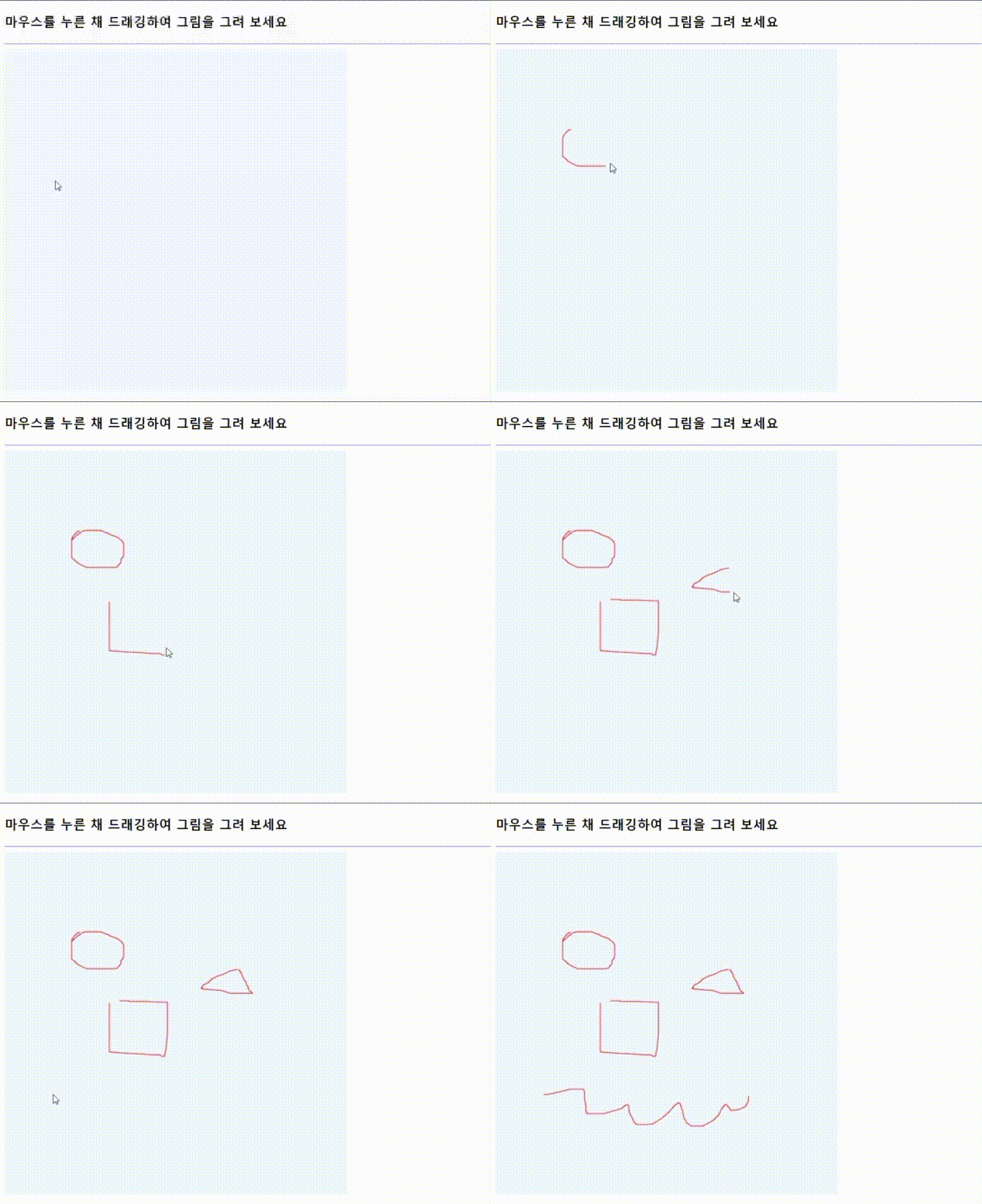
<!DOCTYPE html>
<html lang="en">
<head>
    <meta charset="UTF-8">
    <meta name="viewport" content="width=device-width, initial-scale=1.0">
    <title>마우스 드래깅으로 컨버스에 그림 그리기</title>
</head>
<body onload="init()">
    <h3>마우스를 누른 채 드래깅하여 그림을 그려 보세요</h3>
    <hr>
    <canvas id="myCanvas" style="background-color: aliceblue;" width="500" height="500"></canvas>
    <script>
        let canvas, context;
        function init(){
            canvas = document.getElementById("myCanvas");
            context = canvas.getContext("2d");

            context.lineWdith = 2;
            context.strokeStyle = "red";

            canvas.addEventListener("mousemove",function(e){move(e), false});
            canvas.addEventListener("mousedown",function(e){down(e), false});
            canvas.addEventListener("mouseup",function(e){up(e), false});
            canvas.addEventListener("mouseout",function(e){out(e), false});
        }

        let startX = 0, startY = 0;
        let dragging = false;
        function draw(curX, curY){
            context.beginPath();
            context.moveTo(startX,startY);
            context.lineTo(curX,curY);
            context.stroke();
        }

        function down(e){
            startX = e.offsetX;
            startY = e.offsetY;
            dragging = true;
        }

        function up(e){
            dragging = false
        }

        function move(e){
            if(!dragging)
                return;
            let curX = e.offsetX, curY = e.offsetY;
            draw(curX,curY);
            startX = curX;
            startY = curY;
        }

        function out(e){
            dragging=false;
        }
    </script>
</body>
</html>
jquery 사용하기
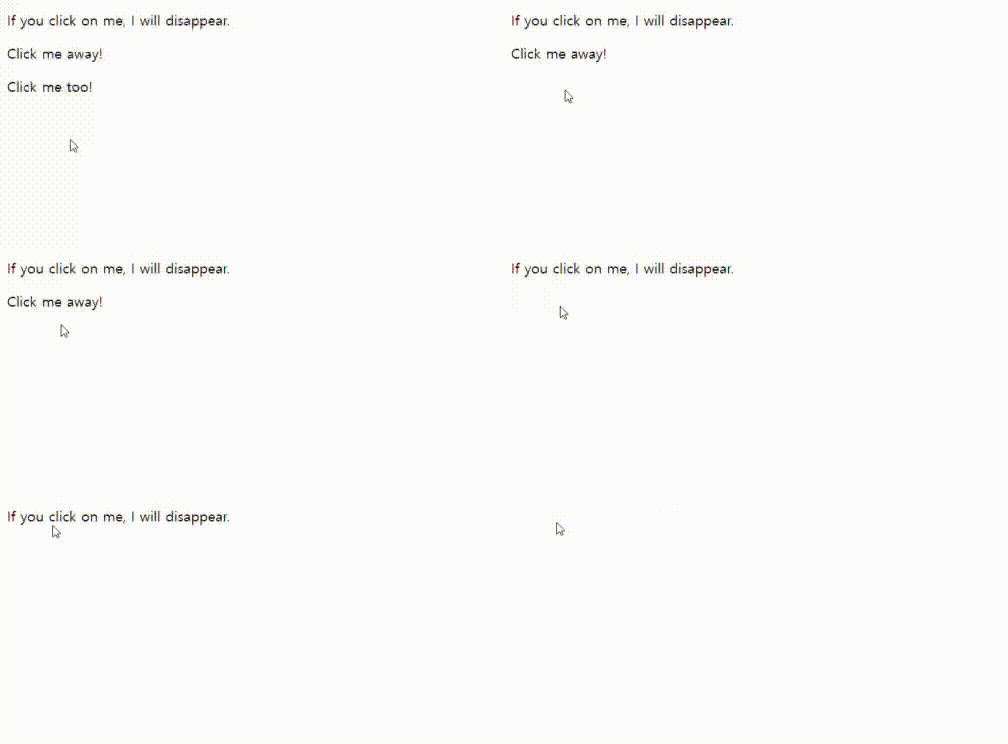
<!DOCTYPE html>
<html>
<head>
<script src="js/jquery.min.js"></script>
<!--
<script src="https://ajax.googleapis.com/ajax/libs/jquery/3.6.1/jquery.min.js"></script>
-->
<script>
$(document).ready(function(){
  $("p").click(function(){
    $(this).hide();
  });
});
</script>
</head>
<body>

<p>If you click on me, I will disappear.</p>
<p>Click me away!</p>
<p>Click me too!</p>

</body>
</html>

Leave a comment